Construction time tracking software
Time-tracking, loved by the field and the office.
Automatically tie hours to employees, jobs, and activities. Send data directly to payroll, eliminating double entry and ensuring accurate job costing.

Built for construction teams to track time from the jobsite to the office.
Mobile clock in
Field teams can clock in to jobs from their mobile phones or a kiosk placed on the job site.
Supervisor time entry
Supervisors can enter crew time on a tablet or desktop in minutes, ensuring control and accuracy.

Salary job costing
Allocate salaried hours across jobs, keeping total pay fixed while ensuring accurate job costs.
Flexible approvals
Create multi-level approval workflows based on variables like job, department, and location.
Tools that adapt to your team.
Miter’s time tracking tool flexes to your needs. Choose from eight entry methods, including mobile, kiosk, and supervisor timesheet entry. Route approvals to the right reviewer and customize timesheet fields and permissions.
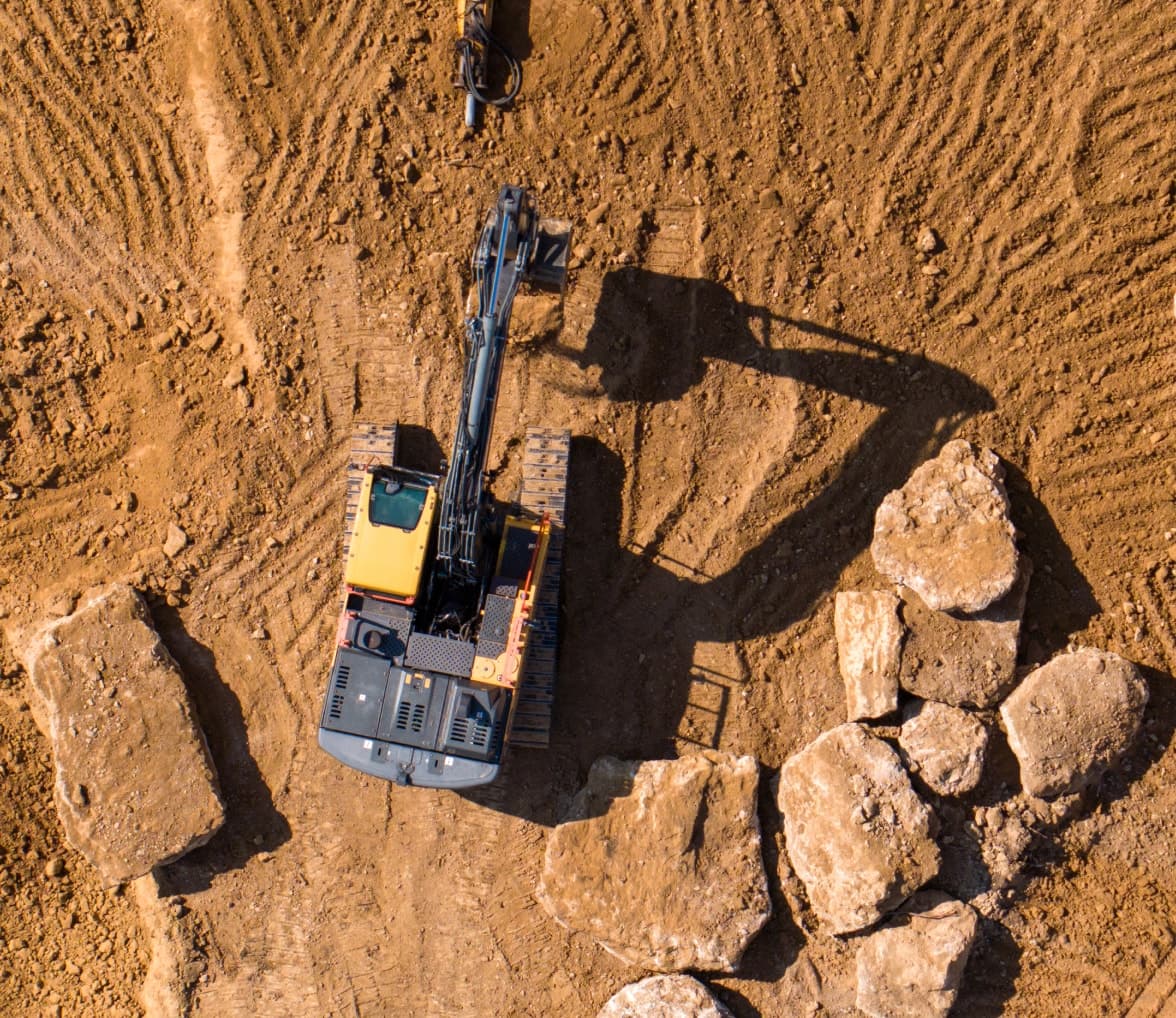

Geofencing that crews can trust.
Draw virtual fences around jobsites so crews can only clock in once they arrive. While field teams are on the clock, see if they’re on-site, where else they’ve been, and how far they’ve traveled. Enable facial recognition as an added layer of verification to prevent time theft.

Compliance that’s baked in.
Miter’s construction time tracking tool automatically applies overtime and break rules. Comply with labor regulations and union rules — without the admin overhead.

Time is money. Don’t waste either.
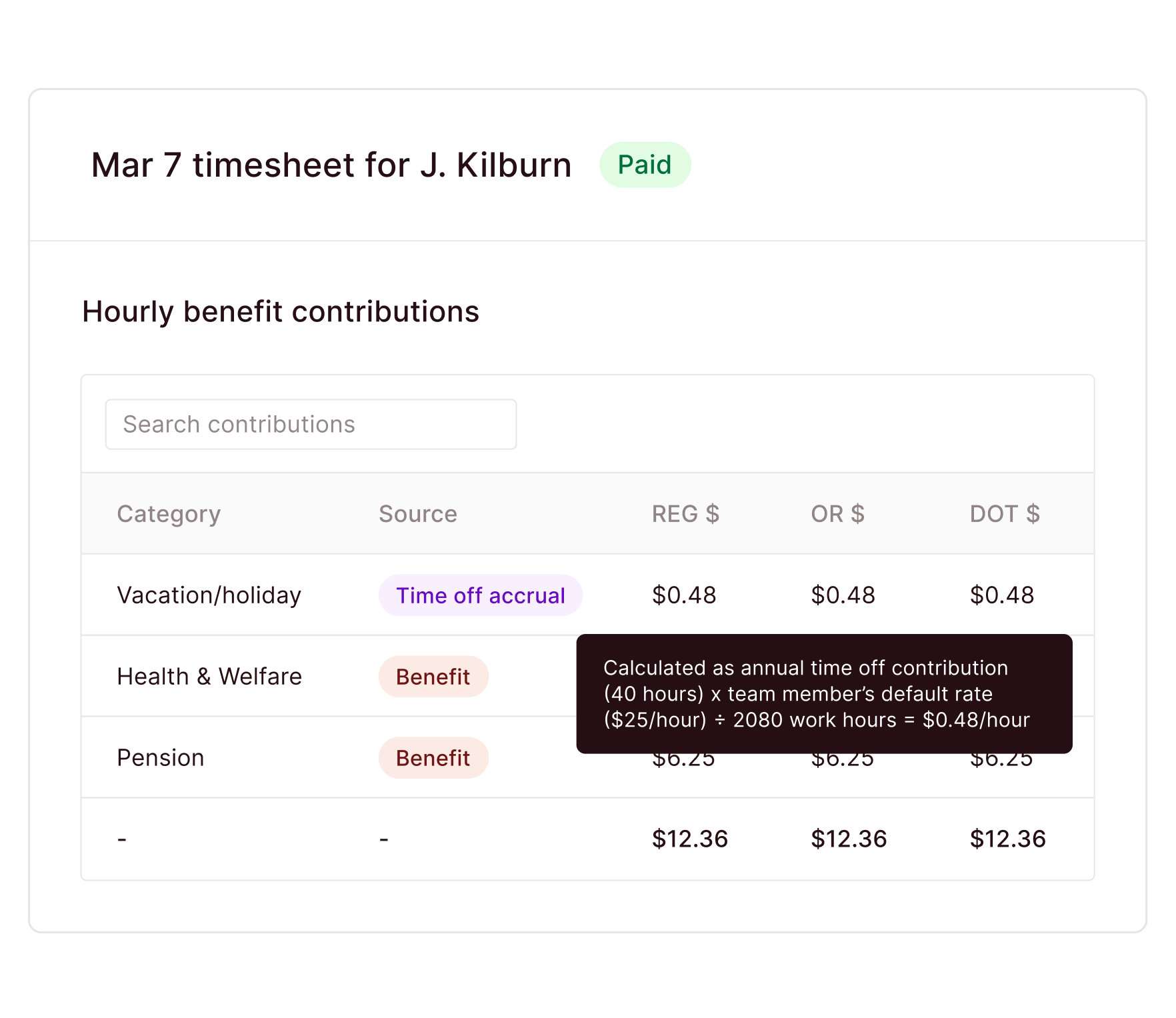
Keep the field and office in sync. Miter connects construction time tracking with payroll and HR, streamlining fully burdened labor costing and compliance.
Easy to use. Hard to mess up.
Clocking in takes just a few taps, whether for individuals or whole crews. Smart overtime rules, pay rates, and built-in approvals reduce errors and cut down payroll prep, saving hundreds of hours and thousands of dollars each week.
Track time and attendance with precision.
Audit ready, always.
Works with your systems.





Frequently asked questions


Integrations
Miter works with the tools you use.
Connect your workflows with integrations that actually work. Use our off-the-shelf integrations, or build a custom integration with our REST API.