

Heavy Civil Contractor
How Wicker Construction runs field operations with Miter
Company profile
200+ employees
Working in
Louisiana
Mississippi
Texas
Alabama
- 1,585
Daily reports created in the first three months
- 5 days → 1 day
Payroll processing time after switching to Miter
- 100% job-coded
Labor hours captured through the daily report grid
- 97%
Daily report approval rate
Integrations Used

Company Overview
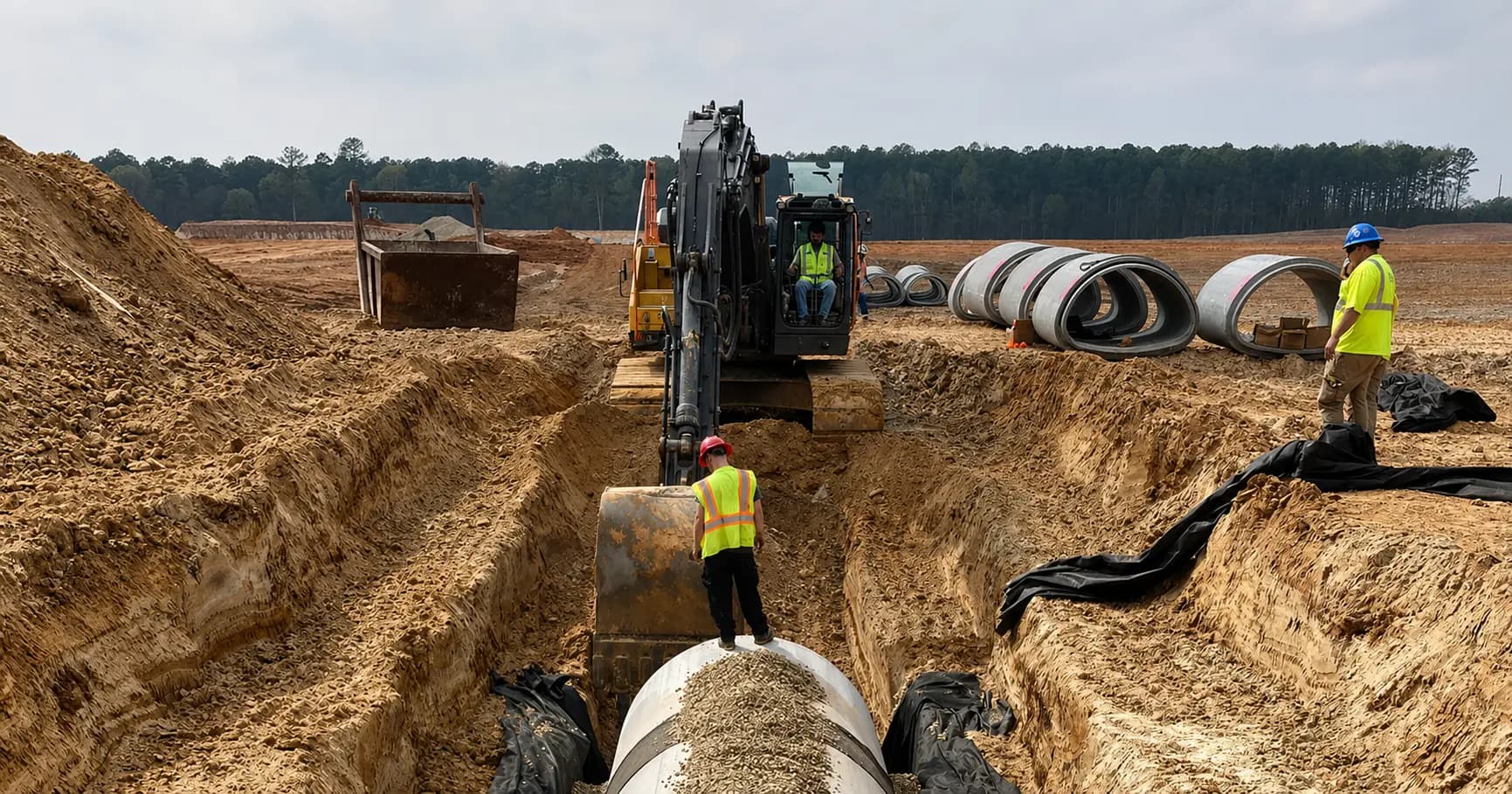
Wicker Construction has been building underground infrastructure in the South since 1956. Now in its third generation of family ownership, the company specializes in water, sewer, and drainage work, dry boring under roads, and site preparation for large heavy civil projects. Wicker holds emergency repair contracts with the cities of Shreveport and Jackson, and has picked up a wave of data center work as development has expanded across the region. When Diana Parkerson joined as CFO in August 2024, Wicker had around 75 employees. By early 2026, that number had grown to more than 180, with more crews still being added.
The systems running the company had not kept pace with that growth.
Key Takeaways
- Wicker ran daily reports in Raken, but the office couldn’t get usable data out of it. Everything came in as a PDF so billing, job costing, and payroll all required re-keying work the field had already done.
- The only time data that could sync from Raken to Sage 100 Contractor was limited to two codes: regular and overtime. Vacation, PTO, and everything else had to be tracked by hand.
- Payroll took one person five days to process, and as headcount doubled in two years, it became clear the company needed something built to scale.
- They were looking for an HR system and had been planning to keep Raken. But when they saw that Miter covered field ops, time tracking, payroll, and HR in one platform, they made the decision to replace Raken.
- In their first three months on Miter, Wicker’s field crews created 1,585 daily reports across 26 jobs, with 50 distinct creators, a 97% approval rate, and full adoption across the crew almost from day one.
- Daily reports now drive both payroll and billing. On repair contracts, the daily report is the invoice: foremen log the work, attach photos, and that record goes straight to the client as billing documentation.
- Payroll dropped from a five-day process to one day. Division leaders now approve time daily, catching job coding errors that would be difficult for the office to catch on its own.
The Challenge: Data that couldn’t leave the field
Before Miter, Wicker’s foremen filed daily reports in Raken, and the field had no complaints. Checklists, toolbox talks, job notes, crew time: it all went in. The problem was what happened to that data once it left their hands.
“The guys in the field loved it,” Diana says. “But I couldn’t use it for anything useful ever. You can’t extract any data into Excel. The only way it would come out was in a PDF form, and I can’t do anything with data that comes in a PDF.”
On Wicker’s repair contracts for the cities of Shreveport and Jackson, the daily report was the basis for billing. Hundreds of invoices a month had to be built from those PDFs by hand, after the field had already entered everything in Raken.

“It was just costing us so many hours of redoing work that had already been done just because we couldn’t get the information out of the system.
”
Diana Parkerson
CFO, Wicker Construction
The only field data that could flow into Sage 100 Contractor was basic time, and even that came with limits. Raken’s sync was restricted to two time codes: regular and overtime. Vacation and PTO had to be tracked separately in a personal calendar and the sync itself wasn’t reliable. “A lot of times it would stop in the middle,” Diana says. “We’d have to start it in the morning and it wouldn’t be done till after lunch.”
Meanwhile. payroll had always been done by one person, by hand, every week. As Wicker’s headcount doubled over two years, the payroll process stretched to fill most of the work week. And with the company’s first HR director newly on board, the need for a real system was hard to ignore.
“We did not want how fast we were growing and all the work we were doing to outpace what we could handle in the office.”
Diana Parkerson
CFO, Wicker Construction
The Solution: One platform for the field and the office
Wicker looked at a lot of options, including BambooHR, Sage’s HR and payroll add-ons, and Procore. Hammr was the last system they evaluated seriously, but too many features were still on the roadmap. “Everything we asked about, they were like, ‘Well, we’re going to have that,'” Diana says.
Wicker found Miter the way a lot of deals happen in construction: in person, at a trade show. Anthony, one of Wicker’s VPs, ran into the Miter team at the Dirt World Conference and came back with a recommendation. Diana had also come across Miter in her research and had a call scheduled.
Going in, the office and the field had different goals. The field wanted to minimize change. The office had a clearer target.
“Our goals in the office were to bring payroll from a five-day-a-week process down to one to two days. And to get rid of as many of the manual processes as we could and automate as much as possible.”
Diana Parkerson
CFO, Wicker Construction
Replacing Raken hadn’t been part of the plan. But once it became clear that foremen would have to enter time in two systems to keep daily reports working the way they always had, the answer was obvious. “It just doesn’t make sense for these guys to be timekeeping in two places,” Diana says. “We just decided to switch it.”
Anthony’s goal was straightforward: everything in one place. Miter had field ops, time tracking, payroll, HR, per diems, and a direct integration with Sage 100 Contractor. It covered everything they needed.
Outcome #1: Daily reports that run the field day and drive billing
Before Miter, every daily report Wicker’s foremen filed disappeared into a PDF. The field entered the data, but the office couldn’t use it.
Now the daily report is the operating record. Every crew has a foreman, and every foreman logs crew time, equipment, and work performed before the day ends. Division leaders review and approve. That data flows into payroll and, on repair contracts, directly into billing.
On the jobs Wicker holds with Shreveport and Jackson, the daily report is the invoice.
“We bill straight from the daily report. Whatever it is that they’ve put on that daily report that they had to do that day, that is how we actually build our invoices and bill that client. And that daily report gets attached to the invoice because it’s got pictures, it’s got the checklist signed by the foreman.”
Diana Parkerson
CFO, Wicker Construction
On regular contract jobs, the daily report drives internal tracking rather than billing, but the data flows the same way. And because it lives in structured fields rather than a PDF, Diana can pull it into Excel, sort it, analyze it, and build billing from it. When foremen push back and ask why they can’t just fill out a PDF in Miter, that’s her answer: “When you put it in a form, it makes the information digestible in a way that I can get it in Excel and use it. We can sort it, we can bill, we can do data analytics on it. When you put it in a PDF, you cannot get it out that way.”
The switch also surfaced things the office didn’t know the field was tracking. When crews transitioned off Raken, foremen started asking how to log quantities and equipment in Miter. Diana hadn’t known they were capturing either in Raken. Both are now tracked in Miter, where the office can actually see them.
In their first three months on Miter, Wicker’s field crews created 1,585 daily reports across 26 jobs, with 50 distinct creators and a 97% approval rate. Within months of going live, Wicker’s field team had fully adopted daily reports company-wide.
Outcome #2: Payroll that runs in a day, not a week
With Miter, payroll runs in one day instead of five. Time is job-coded the moment a foreman logs it, and once it’s approved, that time flows straight into payroll, where Miter automatically applies the right pay rates and overtime rules, so nothing has to be re-entered, reconciled, or manually corrected. In the first three months on Miter, Wicker ran 41 payrolls covering 263 paid team members, with 4,527 timesheets processed through the grid, 100% job-coded.
The approval layer also changed what the payroll team can catch. Division leaders now review time daily before it reaches payroll, and they find things the office never would have spotted on its own.
“The division leaders have caught a lot of time sheets going, ‘No, you did not work this day, you were only here this day,’ or ‘You’re coding this to the wrong job.’ That’s stuff that we would not know being in the office. They would only know being in the field. It’s definitely made our payroll more accurate and has saved us some money.
”
Diana Parkerson
CFO, Wicker Construction
Per diems had been Wicker’s most complicated payroll challenge. Because per diem agreements vary by employee rather than following a consistent mileage rule, the initial setup had to be reworked to reflect how the company actually operates. The payroll team now runs per diems each week with a final check rather than calculating them by hand for each employee. “Per diems were our biggest headache,” Diana says, “and that was the thing I was most hopeful for with Miter.”
The Sage 100 Contractor integration ties it together. Labor burden, including taxes and insurance, is built into the journal entries Miter generates, so job cost reporting in Sage reflects fully burdened labor without additional manual input.
Outcome #3: Everything in one place
Wicker came to Miter looking only for an HRIS. They ended up replacing several disconnected systems with one.
Wicker’s HR director now manages recruiting pipelines and tracks applicants and new hires in the same system the payroll team uses for time and pay. For the first time, current headcount is visible in real time.
“We can open the screen up and know how many people we have on staff at any point in time. We’ve never had that before.
”
Diana Parkerson
CFO, Wicker Construction
Miter has also changed what the office hears from the field. Because foremen and division leaders can now see job data on their iPads, they’re providing additional context. “We’re getting input from people that we don’t normally get input from,” Diana says. “A lot of times we can only work with the information we’re given in the office, because we’re not out there every day.”
Adoption in the field went faster than expected. While they anticipated some pushback, the employee portal brought the crew members around. Once they saw they could check their own paystubs, update their banking information, and see their vacation balances without calling the office, the friction of switching faded quickly.
The Impact: One record, from the field to the office
Before Miter, Wicker’s field and office worked in different worlds. Foremen entered data in Raken, the office waited for PDFs and re-keyed whatever they could extract, payroll ran on paper, and HR had no system.
Now the daily report is the record of the field day, and it drives everything downstream: payroll, billing, and job costing. The work foremen enter once is the same work the office runs on.
When Diana describes Miter to other contractors, she says, “It is the best way to keep up with hours and get payroll done easily. But it does so much more than that,” she says.
“If Miter disappeared, we would have to go back to paper everything. We would have to go back to the little guy driving his truck back to every job site to pick up time sheets on Fridays, and then a whole lot of work that I don’t want to have to do to get all that stuff manually keyed in. That would be a lot of work.”
Diana Parkerson
CFO, Wicker Construction
With Miter, Wicker has the infrastructure to keep growing, whether that means more crews, more city contracts, or more data center projects coming down the road.
Share this article
Frequently asked questions
Ready to supercharge your back office?
Get a demo Get a demo