
6 top construction time card apps companies can rely on
Blog
Scheduling
Time tracking

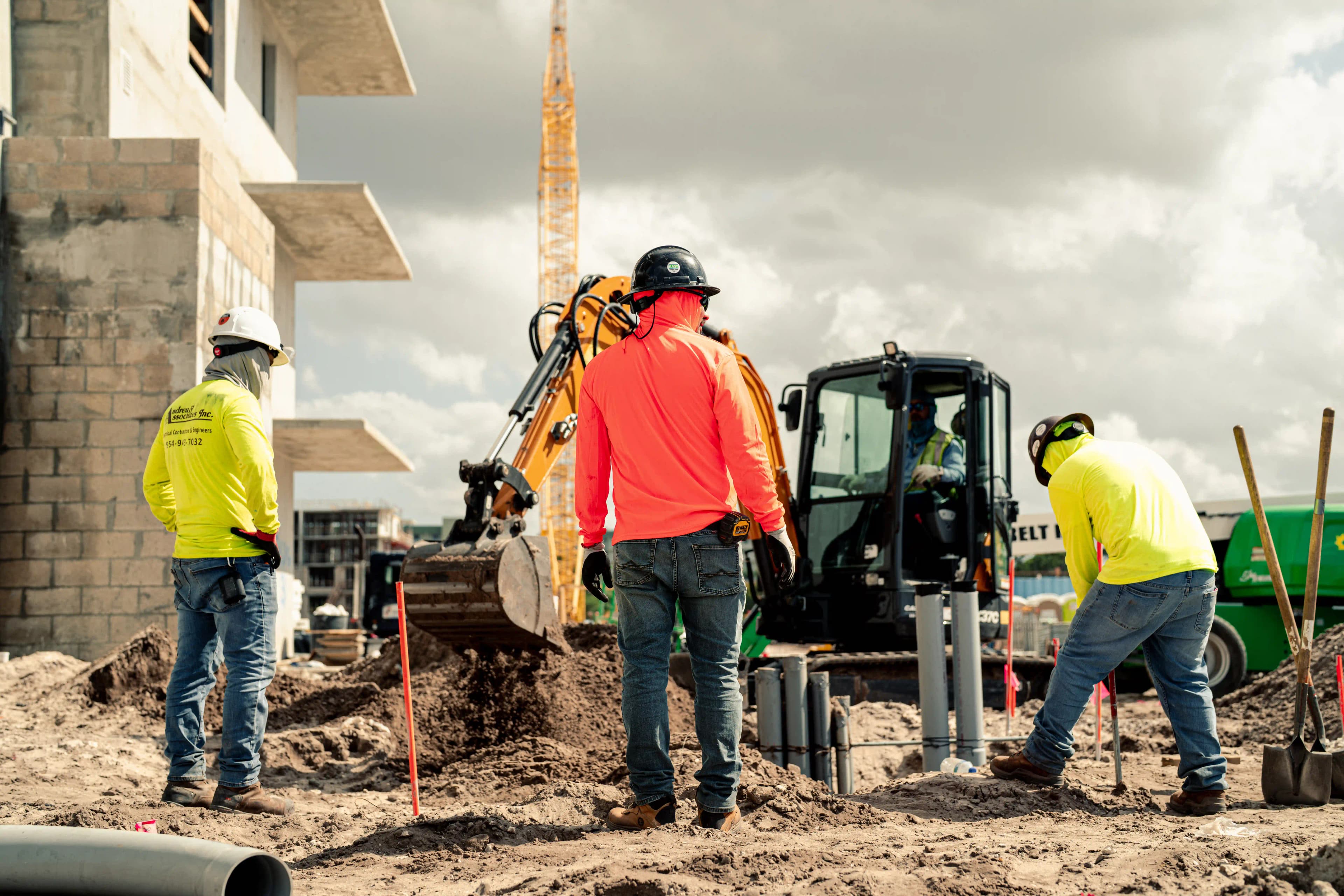
Geofencing time tracking uses mobile app location data to verify whether a construction worker is physically at the jobsite when clocking in or out. By establishing a virtual perimeter around a project, contractors can automatically catch early clock-ins and late clock-outs. However, rigid boundaries and the potential for poor GPS signals can create friction, occasionally blocking valid punches.
This guide explains how geofencing works in construction, where it helps payroll and compliance, and how contractors can manage its technical limitations.
Geofencing time tracking is a digital location verification attached to a mobile clock-in or clock-out. When an employee punches in, the system checks whether their device is inside a preapproved boundary around the jobsite.
Contractors set this geofencing perimeter and decide how their systems capture location data. Some choose event-based tracking that captures location only at the moment of a punch. Others use continuous or breadcrumb tracking records to log worker movement at all times when they’re on the clock.
Construction geofencing features vary by app, but the setup usually follows these steps:
Geofencing provides contractors with additional context beyond a simple timestamp. They can immediately see whether the phone was inside the boundary at the time of the punch, and that location data remains accessible in the event of a dispute. Here are a few benefits for a construction business.
A location check prevents time theft like workers clocking in during their commute or staying on the clock after they’ve left the jobsite. Catching these errors instantly prevents inflated hours from sneaking into job costing or time and materials (T&M) invoices.
Beyond stopping outright time theft, geofencing also gives supervisors a specific punch to review if a worker selects the wrong project, helping ensure labor costs hit the right budget from the start.
Buddy punching happens when one worker clocks in for another who hasn’t arrived yet. A geofence can stop that punch if the phone is outside the jobsite boundary. However, the system can’t confirm who’s holding a phone inside the boundary. So, contractors may need a separate identity check like PINs, photos, or biometrics. Biometrics come with their own legal requirements, covered below.
Flagging a questionable punch when it happens gives the worker and supervisor a chance to resolve it while the day’s work is fresh. Instant notification and validation also saves admin time for the office staff that would usually chase down missing details at the end of the pay period.
A punch that records the time, selected job, and phone location gives reviewers solid evidence for timesheet disputes. However, contractors handling prevailing wage work should note its limits. While location proves where a worker was, it can’t establish the specific labor classification or prove every hour of work performed.
A GPS time tracker can record various information about the construction site crew. However, the data accuracy depends on the following factors.
Depending on the model and the GPS tracking chipset, different phones can get different location results even if the devices are in the same spot. For employees with outdated mobile phones, contractors can manually clock in those employees, set enforcement to flag rather than block punches, or set up a clock-in device on-site. In some cases, companies may provide hardware stipends or company-issued phones.
Constantly pinging GPS satellites can drain a worker’s cell phone battery quickly, especially on older models or during long shifts with continuous tracking. If a phone dies before clock-out, this halts the tracking process. Choose apps that use event-based location checks rather than continuous background checking, and ensure crews have vehicle chargers or portable power banks on hand.
A circle around a job address may overlap another active site in a subdivision or on a campus. If a worker selects the wrong job and both boundaries cover the phone’s location, the punch can pass the location check while the hours go to the wrong project. The opposite problem can happen on a sprawling site where a tight circle around a trailer rejects a worker’s punch at the far end. If the time tracking software allows it, use custom-drawn boundaries that tightly follow the actual work zones rather than generic radius circles around one point.
Concrete and earth can interfere with satellite signals in underground locations like basements and parking garages. The phone may report an imprecise location or fail to get one, even when the employee is at the correct jobsite. Use a time tracker that allows supervisors to set flexible review flags for low-signal areas so workers aren’t unfairly blocked due to location.
Poor cell service can delay a punch from reaching the office and make network-assisted location less reliable, especially when a phone can’t use nearby Wi-Fi. Educate field crews on how their mobile app responds during connection drops to prevent lost work and redundant data entry in dead zones. Train office staff to differentiate between a dropped network and a bad location pin to ensure accurate real-time tracking.
When crews work in tunnels, rural areas, or dead zones with zero cell service, real-time syncing is virtually impossible. Choose software that supports offline time capture. The app should save the timestamp and any available location data locally on the device, then automatically sync back to the office when the phone reconnects to a data network or Wi-Fi.
A foreman might pick up materials at the yard or load equipment before heading to the jobsite. Without an override, an app block will leave legitimate working hours out of the time record. Establish a documented exception workflow. Allow supervisors to grant overrides by job, team, or activity, and ensure the system logs the reason and verification method for audit purposes.
A clear geofencing policy and a short trial can prevent location tracking errors from turning into payroll problems and boost crew confidence in the system. An efficient rollout should have the following four parts.
The geofencing employee tracking policy should define if the app captures location at clock-in, break punches, and clock-out. If the construction company uses events to track location, it should also say that the app doesn’t record movement between punches or after clock-out. Workers need to know who can view their data, how long the company keeps it, and how to request a correction. This transparency can help combat feelings of micromanagement among the crew.
Field workers may be resistant to location tracking out of privacy concerns or fear of being penalized for bad GPS signals. Use this huddle to explain how geofencing protects accurate payroll so employees trust that their hours are recorded fairly and safely. Demonstrate a punch, and explain why access is required to verify legitimate work hours without invasive tracking. Give employees a chance to ask what happens when the app can’t determine their location to alleviate anxiety over technical glitches.
Allowing out-of-boundary punches while marking them for review helps supervisors find boundaries that miss part of a site, areas with poor reception, and legitimate off-site starts. This helps improve map accuracy and ensure workers aren’t unfairly blocked from clocking in.
Once the boundary is accurate, contractors can lock it down to block unauthorized out-of-boundary punches and protect payroll integrity. However, because field work requires flexibility, a documented override must remain available for valid exceptions like yard starts, supply runs, or poor reception sites.
Before enforcing location tracking, review local laws. For example, Connecticut requires prior written notice for covered electronic monitoring, and since October 1, 2026 that notice must also name the specific locations where monitoring may occur, with a posted notice at each one. This ensures full compliance with electronic monitoring regulations and helps avoid costly labor disputes.
Geofencing adds a location check the moment a worker punches in or out. But it often fails when the software is too rigid for real field conditions. Miter Time Tracking combines strict jobsite accountability with real-world flexibility, automating compliance, stopping time theft, and turning messy field data into clean payroll records.
Here’s how Miter’s core features bring better control and visibility into operations.
Field teams can clock in instantly using whichever format fits the jobsite best, including smartphones, shared jobsite tablets, and supervisor timesheet entry. Supervisors can quickly log or adjust crew time on a tablet or desktop in minutes and route approvals to the correct reviewer.
Supervisors can draw a custom jobsite boundary or can drop a radius around a point input from latitude and longitude coordinates. That makes it possible to set up a greenfield site or a stretch of highway without relying on a street address. To eliminate buddy punching and time theft, contractors can enable facial recognition as an added verification layer. While field teams are on the clock, management can see if they’re on-site and monitor how far they’ve traveled to streamline mileage reviews.
Built-in offline resilience ensures that app data is cached locally during dead zones and syncs automatically once reconnected to prevent poor reception from locking workers out. Contractors also choose how to use the location check. Miter can flag out-of-boundary punches for supervisor review, or block them outright, so teams can catch mapping errors and reception problems before strict enforcement starts frustrating crews.. Enforcement can be exempted by job, team, or activity, ensuring documented override remains available for valid exceptions like yard starts and remote sites.
Time tracking automatically applies overtime and break rules, helping contractors comply with complex labor and union regulations. Approved hours, geofenced punches, and job codes flow straight into construction ERP without manual entry. Project managers can review that record alongside job costs to track labor data in real time, while payroll teams can use it when checking prevailing wage hours. For example, Brownco Construction used Miter to scale past 90 quarterly jobs without increasing administrative overhead.
Location tracking runs only while a worker is clocked in, and only if they have enabled it on their own device. Nothing is recorded once they punch out. Because digital tracking laws vary by region, review local electronic monitoring regulations to ensure compliance before enforcement begins.